
HAAC
Android · Kotlin
The app on the phone. Builds places, levels and rooms, shows tiles, history and notifications. Talks only to the bridge, never to Home Assistant's generic APIs.
stacknoise/haac-android ↗
Product · Android
Home Assistant for the whole family. Everyone sees only what was shared with them.
HAAC is a native Android app for Home Assistant. The admin shares single switches, sensors and climate devices with each user, and everyone builds their own home from them, with places, levels and rooms.
How it works
Home Assistant has no per-entity permissions. The official Companion App therefore shows every user everything they can reach: every socket, every sensor, every heater.
With HAAC Bridge the admin decides, user by user, what the app may show and control. A user who is not configured sees nothing.
Features
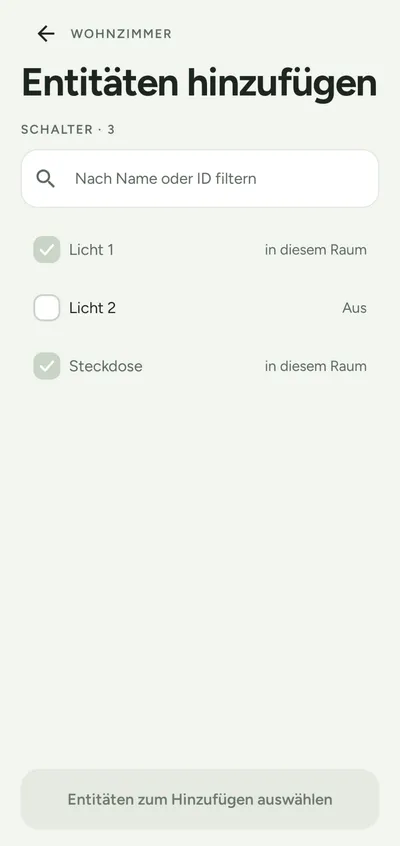
The admin decides in the Home Assistant UI or in YAML who sees which devices: whole domains, single entities and wildcards, each with excludes. The default is: nothing.
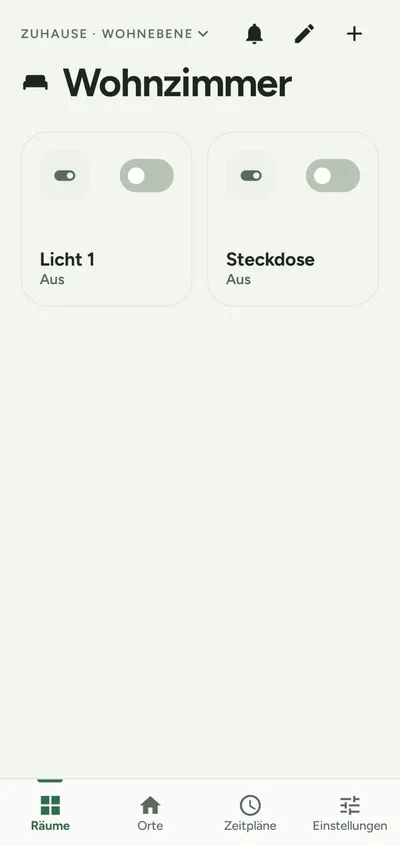
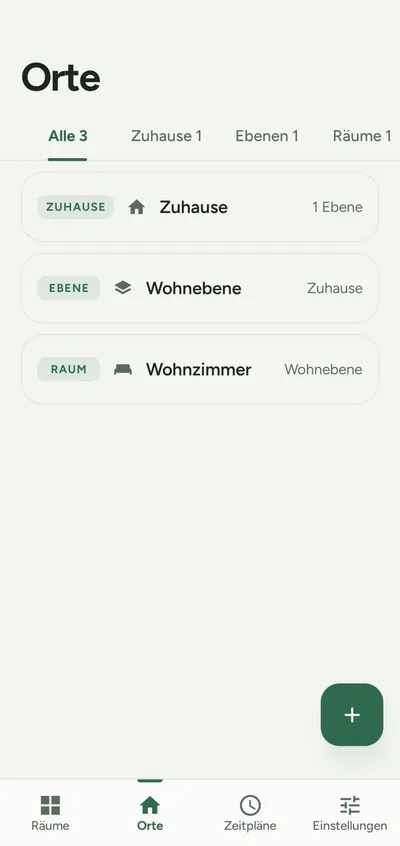
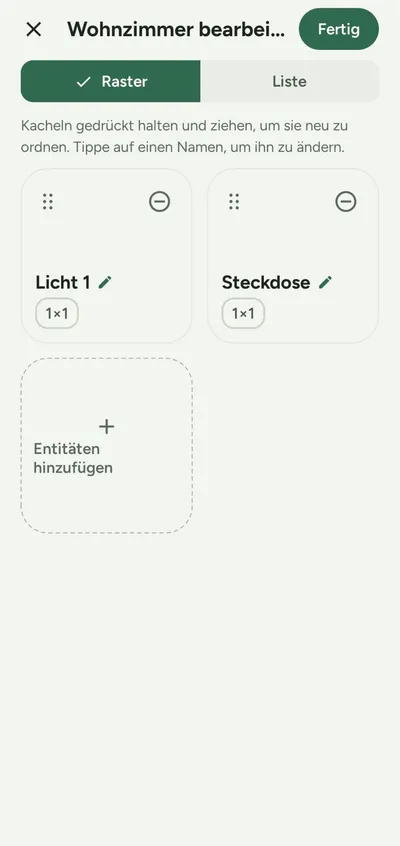
Places, levels and rooms right on the phone, tiles in three sizes with drag and drop and local names that never change Home Assistant. Imported from the Home Assistant areas if you like.
Switches right on the tile, climate devices with a dial, HVAC mode, fan and target range. Live states over a persistent connection that reconnects by itself after a network change.
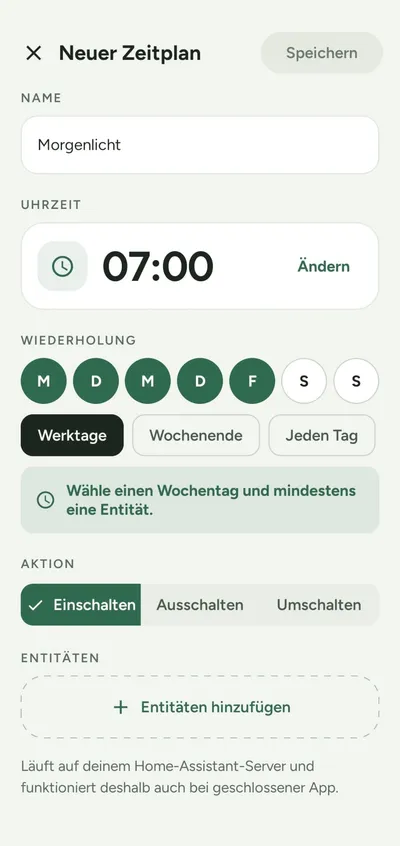
“Every weekday at 06:45 turn the light on”, also at sunrise or sunset. Schedules run in the bridge on the server, so they work with the app closed or the phone off.
Charts for 24 hours, 7 days or a custom period. A list reports new or removed devices, paused schedules and errors, each with a plain-language message and an error code.
Only the refresh token is stored, encrypted in the Android Keystore. Fingerprint unlock, certificate pinning for self-signed servers, no analytics, no ads, no tracking.
Architecture
Android · Kotlin
The app on the phone. Builds places, levels and rooms, shows tiles, history and notifications. Talks only to the bridge, never to Home Assistant's generic APIs.
stacknoise/haac-android ↗
Home Assistant · Python
The integration on the server, installed through HACS. Filters per user, sets the target of every command itself and runs the schedules.
stacknoise/haac-bridge ↗Installation
1 · HACS → Custom repositories
https://github.com/stacknoise/haac-bridge (Integration)
2 · Settings → Devices & services → HAAC Bridge → Configure
3 · Download and verify the APK
sha256sum haac-v0.3.1-sideload.apk
No. HAAC limits what the app shows and controls. Someone holding a user's token can still use Home Assistant's standard API. So create a dedicated non-admin user for each person.
Not yet. Version 0.3.1 is available as a signed APK on GitHub Releases, with a SHA-256 checksum next to it.
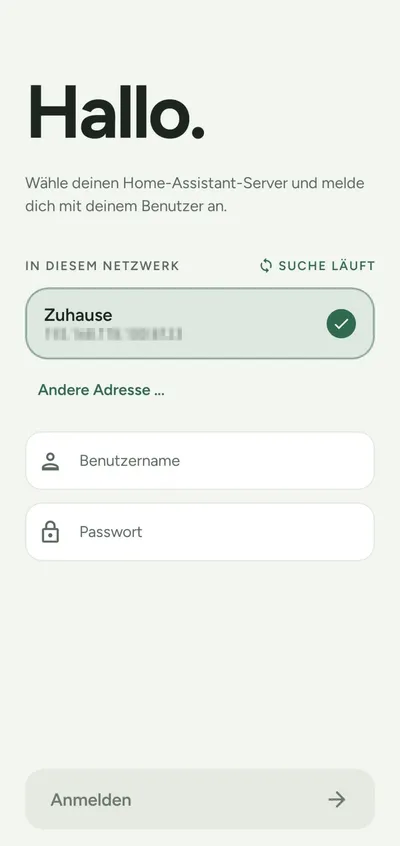
Yes. “Try the demo” on the first screen opens an instance with sample data, without a network or a login.
None for me or any third party. The app talks only to your own Home Assistant server. The details are in the app's privacy policy.
App privacy policyHAAC is not affiliated with or endorsed by Home Assistant, the Open Home Foundation or Nabu Casa.